

The strange thing about comparing Microsoft Copilot and ChatGPT is that, much of the time, you are comparing two front doors to the same model. Copilot's chat experiences run on OpenAI's current GPT-5.5 family, the same generation that powers ChatGPT, alongside Microsoft's own in-house models for specific jobs. So the honest version of the copilot vs ChatGPT question is not really which model is smarter. It is which wrapper, which set of defaults, and which data each one can reach. Copilot is built to live inside Windows, Edge and Microsoft 365, search the live web through Bing by default, and read your work documents when you let it. ChatGPT is a standalone assistant that answers from its own knowledge first and searches only when a question needs it. This guide compares the two across how they work, web access and citations, the models behind them, context windows and pricing, then gives a verdict by job, and closes on what the comparison means for brands trying to appear in AI answers.
How each one works, and what it optimises for
The clearest way to see the difference is to watch what each tool does the moment you ask a question, and where it is allowed to look for an answer.
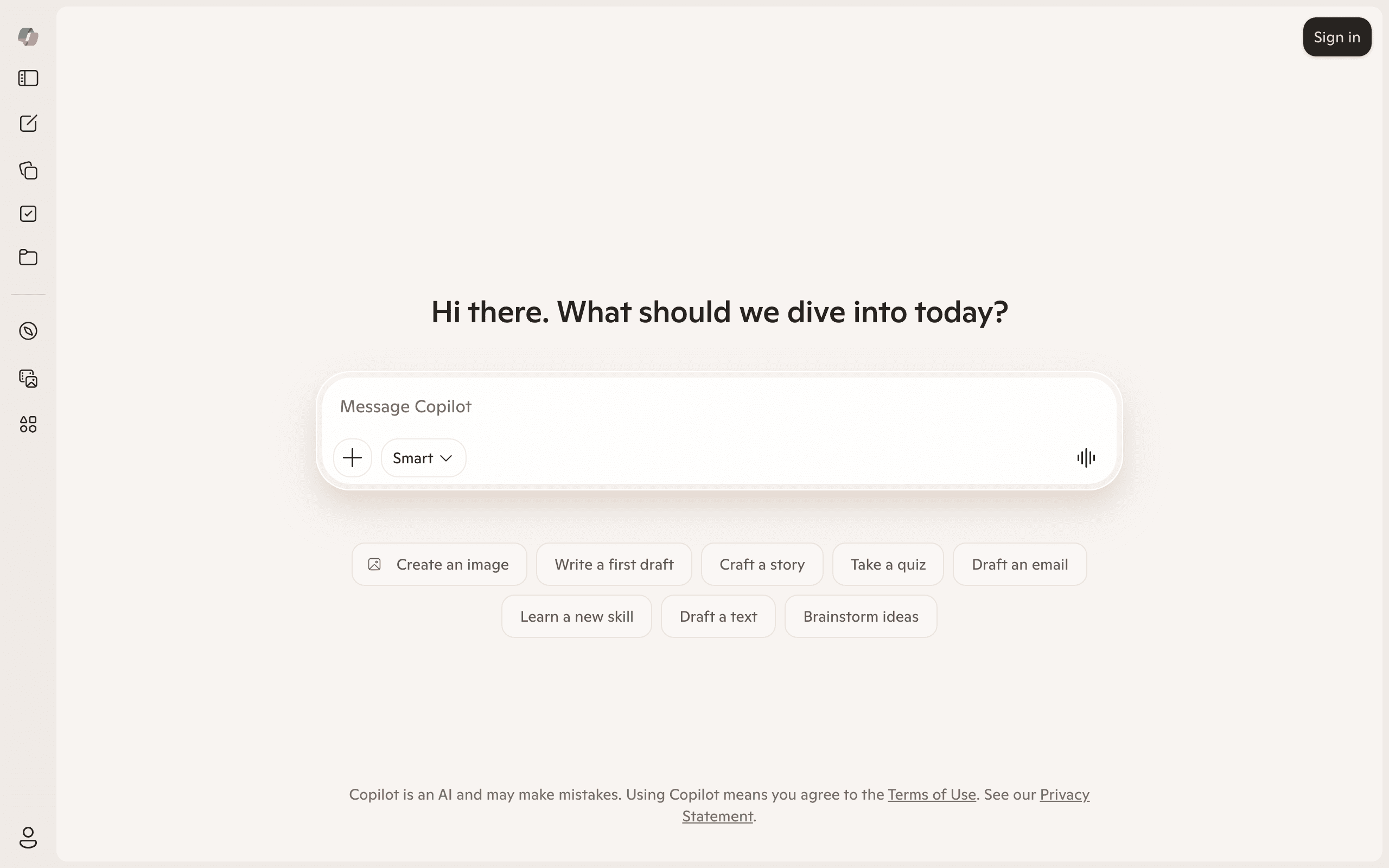
Copilot treats the web as a default ingredient. Its consumer Copilot Search, grounded in Bing, runs a live search, summarises what it finds, and attaches cited sources to the answer, much like a search engine that talks back. On top of that, Copilot is woven into the surfaces most office workers already use: a taskbar prompt in Windows 11, a side panel in Edge that can read and compare the tabs you have open, and, in the paid Microsoft 365 version, access to your own emails, files and chats through Microsoft Graph. The pitch is less standalone chatbot and more assistant that sits where your work already happens.
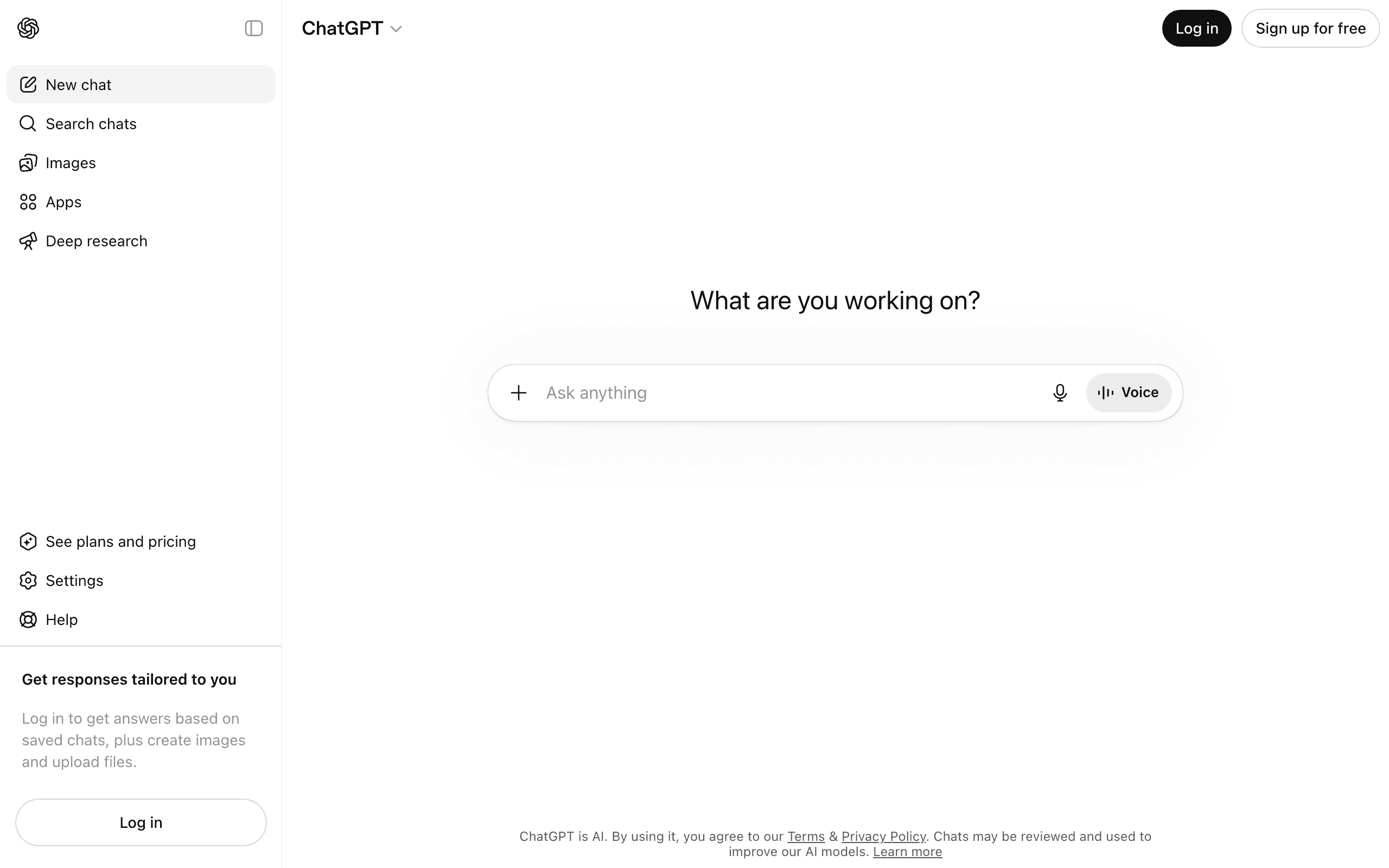
ChatGPT starts from a different assumption. Its default behaviour is to answer from the model's own knowledge, reaching out to the web only when a question clearly needs fresh or specific information, or when you turn search on. That makes it broader as a blank-canvas assistant: it will write, summarise, code, brainstorm or hold a long conversation without ever touching a source. When it does search, it returns an answer with links, but the citation is a supporting feature rather than the centre of the product. For the mechanics of how an engine turns a question into a sourced answer, see how AI search works.
In short, consumer Copilot optimises for being a search-first assistant that is everywhere Microsoft is, and the paid version adds your own work data on top. ChatGPT optimises for being a flexible, general-purpose assistant of which web search is one capability. The split shapes almost everything below.
Web access and citations
This is where the two products feel most different in everyday use, and where Copilot's search-first design earns its keep.
Consumer Copilot searches the web by default and shows its sources. Copilot Search in Bing returns a summarised answer with cited links and follow-up suggestions, grounded in Bing results and additional queries it issues on your behalf (Microsoft, Copilot Search). Because searching is the default rather than a judgement call, you can usually expect a recent, sourced answer without doing anything special. That is a meaningful contrast with base ChatGPT, where whether an answer is grounded depends on whether the model decided the question warranted a search.
ChatGPT does cite when it searches the web, and free users can run web search. OpenAI's own ChatGPT Search documentation describes inline citations you can hover and click, with a sources panel beneath the response. The links are real and clickable. The difference is consistency: because ChatGPT only searches when it judges the question needs it, a given answer may be sourced, partly sourced, or generated entirely from training with no citations at all. For a casual question that is fine. For anything you plan to rely on, you have to check whether the answer actually searched, which adds a step Copilot's default removes.
Telling a searched answer apart from a training-data one takes seconds once you know the signals, which we set out in our explainer on whether ChatGPT can search the internet.
One caution applies to both, and to every cited engine. A citation proves where a passage came from, not that the sentence above it faithfully represents the source. Columbia's Tow Center, testing eight AI search tools on whether they cite news correctly, found that the dominant error was not invented links but misattribution: a real, working source credited with a claim it does not actually contain. Citations make that easier to catch. They do not make checking optional. For why one good sourced answer does not prove durable accuracy, see why spot-checking fails.
The models behind each one
Here is the fact that reframes the whole copilot vs ChatGPT comparison: for a large share of queries, Copilot and ChatGPT are running the same underlying model.
ChatGPT runs on OpenAI's own family. GPT-5.5 launched on 23 April 2026 (TechCrunch), and GPT-5.5 Instant became the default model for all users, including the free tier, on 5 May 2026, replacing GPT-5.3 Instant (GPT-5.5, Wikipedia). Heavier reasoning variants handle harder work, and a GPT-5.5 Pro variant is reserved for the paid Pro, Business and Enterprise tiers. You are choosing between variants of one provider's models, tuned for speed versus depth.
Copilot's chat experiences also run on OpenAI's current models. Microsoft brought GPT-5.5 Instant (Microsoft 365 Copilot Blog) and GPT-5.5 Thinking (Microsoft 365 Copilot Blog) into Microsoft 365 Copilot in 2026, the same generation ChatGPT uses. What is changing is that Microsoft no longer relies on OpenAI alone. It has built out its own MAI line, including the foundation model MAI-1, the speech model MAI-Voice-1, and says it will use "the very best models from our team, our partners, and the latest innovations from the open-source community" to power its products (Microsoft AI). At Build 2026 it added MAI-Thinking-1, its first in-house reasoning model (TechTimes). In practice that means a Copilot answer may be served by an OpenAI model or a Microsoft model depending on the task, and you do not choose which. The practical upshot: ChatGPT gives you a tightly integrated single-vendor stack you can partly steer, while Copilot gives you an orchestrated mix you mostly cannot, wrapped in deeper product integration.
Context windows
Context window is how much text a model can hold in mind at once, and it is one of the few places the two products diverge on raw capability rather than packaging.
On ChatGPT, the working context depends on your tier. Free sessions are the most limited, the Plus tier carries a larger window, and GPT-5.5 reaches up to a million tokens of context, a level the 200 US dollar Pro tier is built around for very long documents and codebases in a single pass (GPT-5.5 context, framia.converge.ai). The pattern is consistent: paying more buys more room to work over long inputs.
Copilot's context behaves differently because it is shaped by both the model and Microsoft's grounding layer. The chat models carry large windows of their own, and Microsoft's in-house MAI-Thinking-1 ships with a 256,000-token window (TechTimes). But the more important point for office work is that Microsoft 365 Copilot does not need to fit your whole organisation into the window. It retrieves the relevant emails, files and chats through Microsoft Graph and feeds only what matters into the prompt, so the effective reach over your own content is larger than any single window suggests. For pure long-document work in one pass, ChatGPT Pro's headline context is larger. For working across a scattered body of company data, Copilot's retrieval approach is the more practical design.

Want to get recommended by AI?
Check your AI search visibility, then let the Honeyb agent write, fix, and earn what gets you recommended. Free to start.
Pricing and tiers (verified June 2026)
Both have a real free option and several paid steps, but they are priced for different buyers. Consumer Copilot is free and standalone, while the version that reads your work data is sold as an add-on to a Microsoft 365 subscription. Figures below are current as of June 2026 and change often, so check each provider before you commit.
ChatGPT spans Free, Go at around 8 US dollars a month, Plus at around 20 US dollars a month, a Pro line at roughly 100 and 200 US dollars a month, plus Business at about 20 to 25 US dollars per seat and custom Enterprise pricing (ChatGPT pricing). Since February 2026 the Free and Go tiers carry advertising for logged-in US users, shown in contextual boxes kept separate from the answer; every paid tier stays ad-free.
Copilot's free consumer tier covers the web-search assistant in Windows, Edge and the browser, available to anyone with a Microsoft account. The work-grade product, Microsoft 365 Copilot, is an add-on that requires a qualifying Microsoft 365 plan underneath it. Microsoft lists the Business add-on at 18 US dollars per user a month on annual billing, discounted from 21, or 25.20 a month on monthly billing, with the enterprise tier at 30 US dollars per seat (Microsoft 365 Copilot pricing; eesel AI). The headline number understates the real cost, because it sits on top of the base Microsoft 365 licence rather than replacing it.
| Feature | Microsoft Copilot | ChatGPT |
|---|---|---|
| Core design | Search-first assistant embedded in Microsoft products | General assistant, search on demand |
| Underlying model | OpenAI GPT-5.5 family plus Microsoft's own MAI models | OpenAI GPT-5.5 variants only |
| Web search default | Yes, via Bing | When the question needs it |
| Citations | On by default in Copilot Search | When it searches the web |
| Model choice | None, orchestrated by Microsoft | Variants only, no other vendors |
| Free tier | Free web-search assistant in Windows and Edge | Full chat plus web search, ads for US logged-in users |
| Entry paid tier | M365 Copilot add-on, ~18 USD per seat (plus base M365) | Plus, around 20 USD per month |
| Largest context | Very large via retrieval over your work data (Microsoft Graph) | ~1M tokens on the 200 USD Pro tier |
| Strongest at | Microsoft 365 work, document grounding, free cited search | Writing, coding, reasoning, broad standalone tasks |
Market share (%)
The four leading AI assistants by market share
It is worth reading that chart with a caveat in mind. The leading market-share trackers fold Copilot's usage into the ChatGPT line, because the two share the same underlying models, which is why the orange curve runs higher than ChatGPT counted alone. Standalone, ChatGPT's share of assistant usage slipped below half for the first time in May 2026, to roughly 46 per cent, with Gemini in clear second around 28 per cent; the May 2026 market-share breakdown digs into the numbers.
If you want to weigh ChatGPT against the other leaders rather than only Copilot, our comparison of ChatGPT, Gemini and Claude sets the big three consumer assistants side by side.
And if it is the open-source alternative you are sizing up rather than another Western assistant, our DeepSeek vs ChatGPT breakdown contrasts an open-weight challenger with the closed OpenAI stack.
Is Copilot better than ChatGPT? A which-to-use-when guide
Rather than crown one winner, map the job to the tool. Because they often share a model, the decision rarely comes down to raw intelligence. It comes down to where you work and what data the answer needs to reach.
- Work that lives in Microsoft 365, drafting in Word, summarising a Teams thread, building a deck, or finding a file a colleague sent: Microsoft 365 Copilot, because it reads your own content through Microsoft Graph.
- Free, cited web search inside Windows or Edge: Copilot, which searches by default and shows sources without a subscription.
- Long-form writing, editing and tone work: ChatGPT, built around generation and strong at sustained drafting.
- Coding, debugging and technical reasoning: ChatGPT for standalone work; note that GitHub Copilot, a separate product, is the Microsoft option developers actually reach for in the editor.
- Open-ended brainstorming and extended conversation: ChatGPT, for its flexibility and memory of the thread.
- Heavy long-document analysis in a single pass: ChatGPT Pro, for its very large context window.
- Quick current-events lookups with a source to click: Copilot, since searching is the default.
The honest summary is that the products are aimed at different buyers. Copilot is strongest when your day already runs through Microsoft software and you want an assistant that can act on your own work data. ChatGPT is strongest as a standalone generalist for producing things and for open-ended reasoning. Many people end up using both: Copilot at work because it is already in the toolbar, ChatGPT for everything outside the Microsoft walls.
The verdict by job
So, is Copilot better than ChatGPT? For Microsoft 365 work and for free cited search inside Windows and Edge, yes. For standalone creation, coding and open-ended reasoning, ChatGPT is the stronger generalist. Since they frequently run the same model, neither has a decisive edge on answer quality alone, and the head-to-head framing flatters a difference that is really about integration and defaults.
Choose Copilot when the value is in reaching your own work, your inbox, your files, your meetings, or in getting a sourced web answer without paying or switching apps. Choose ChatGPT when the value is in what gets produced, in drafts, code, plans and extended back-and-forth, and you want one flexible assistant that is not tied to a single software suite. If you already pay for Microsoft 365 and want AI on your company data, the Copilot add-on is the natural step. If you want the most capable standalone generalist, ChatGPT Plus or Pro is the one. For a wider view of where each sits among the field, see the complete list of AI search engines.
What this means for a brand that wants to appear in AI answers
If you are a marketer or founder rather than an everyday user, the comparison reframes itself. Copilot and ChatGPT are two surfaces where buyers form opinions about your brand, and the fact that they often share a model has a direct consequence: the signals that earn you a mention overlap heavily.
Both lean on the same OpenAI generation, so the content and reputation that get you recommended in ChatGPT tend to help in Copilot too. The differences sit in the retrieval layer. Copilot's consumer search is grounded in Bing and shows cited sources by default, which means being indexed well by Bing and being the kind of clear, current, well-structured page Copilot retrieves matters more here than in default ChatGPT. ChatGPT, which answers from model knowledge and searches selectively, rewards brands well-represented across the wider web that trains and grounds these models, so you can be recommended even when no live search runs. In both, third-party validation, the review sites, lists and communities these engines trust, does a lot of the work, a pattern we cover in how AI search works.
The practical takeaway is that you should not assume good visibility in one engine carries over to the other, even when they share a model, because the retrieval and grounding around that model differ. Check both, track how each describes and ranks you over time rather than spot-checking once, and treat them as related surfaces rather than identical ones. A free AI visibility checker gives a quick read on where you stand, and the deeper question for any brand is no longer only how you rank on Google but whether you show up well in the answers these assistants hand buyers directly.
Sources cited in this report